You can uninstall a Classic Gateway that is connected to one of the collector profiles by following these steps:
Log in to the OpsRamp portal.
Click Setup > Account > Collector Profiles.
Click the action icon (three dots) next to the Gateway you want to uninstall. (The Gateway status is CONNECTED.)
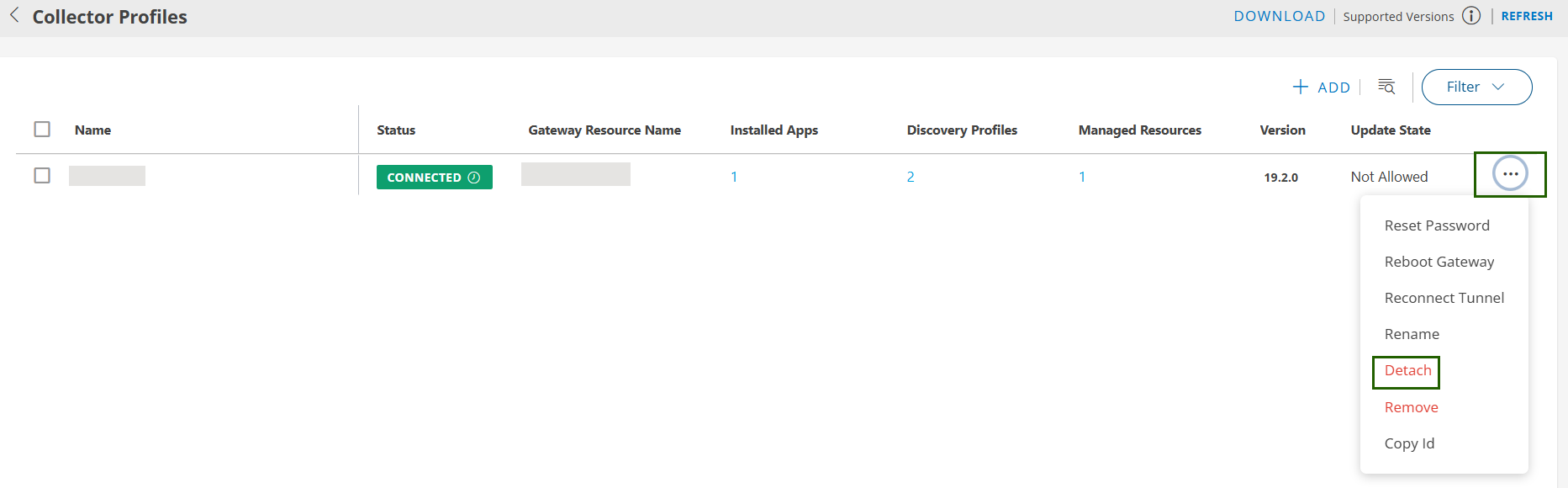
Select Detach. A popup displays the consequences of the detach action.
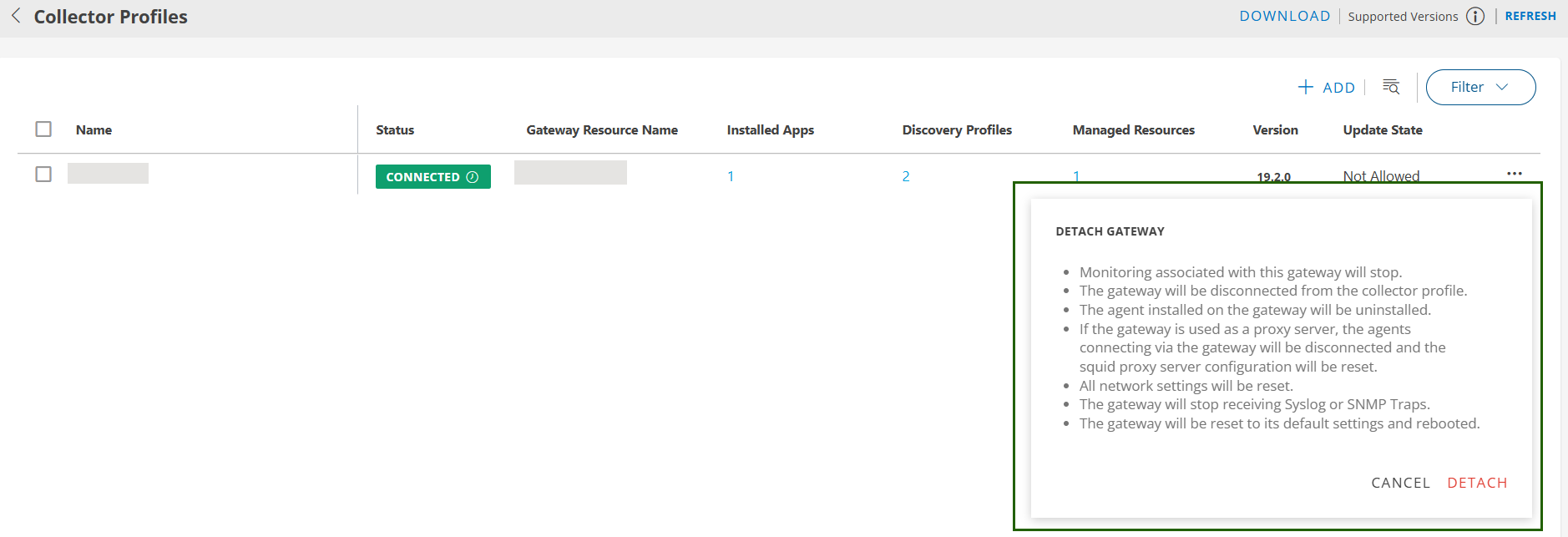
Click Detach. The collector profile is detached and the Gateway status changes to NOT INSTALLED.
Reinstall a Classic Gateway
You can reinstall a Classic Gateway by following these steps:
- Click the action icon next to the uninstalled/detached Gateway.
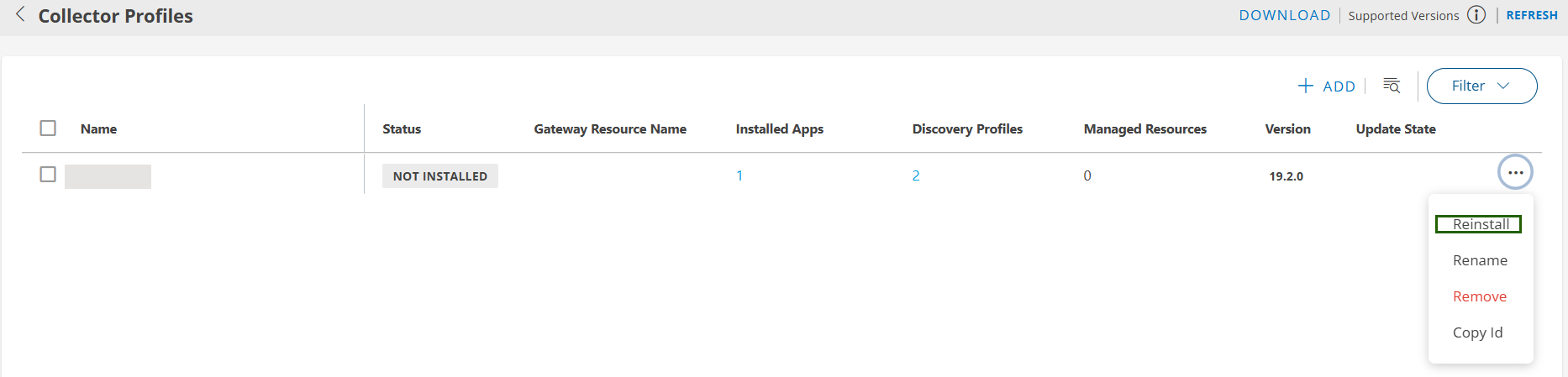
- Confirm the installation and follow the steps on the Installation page to complete the reinstallation process.
×![]()